Master the art of importing recipes from any website with YummJar's powerful AI import feature.
Import Recipes with One Click
One of YummJar's most powerful features is its ability to import recipes from virtually any website. No more copy-pasting ingredients or retyping instructions – let AI do the work for you.
How Website Import Works
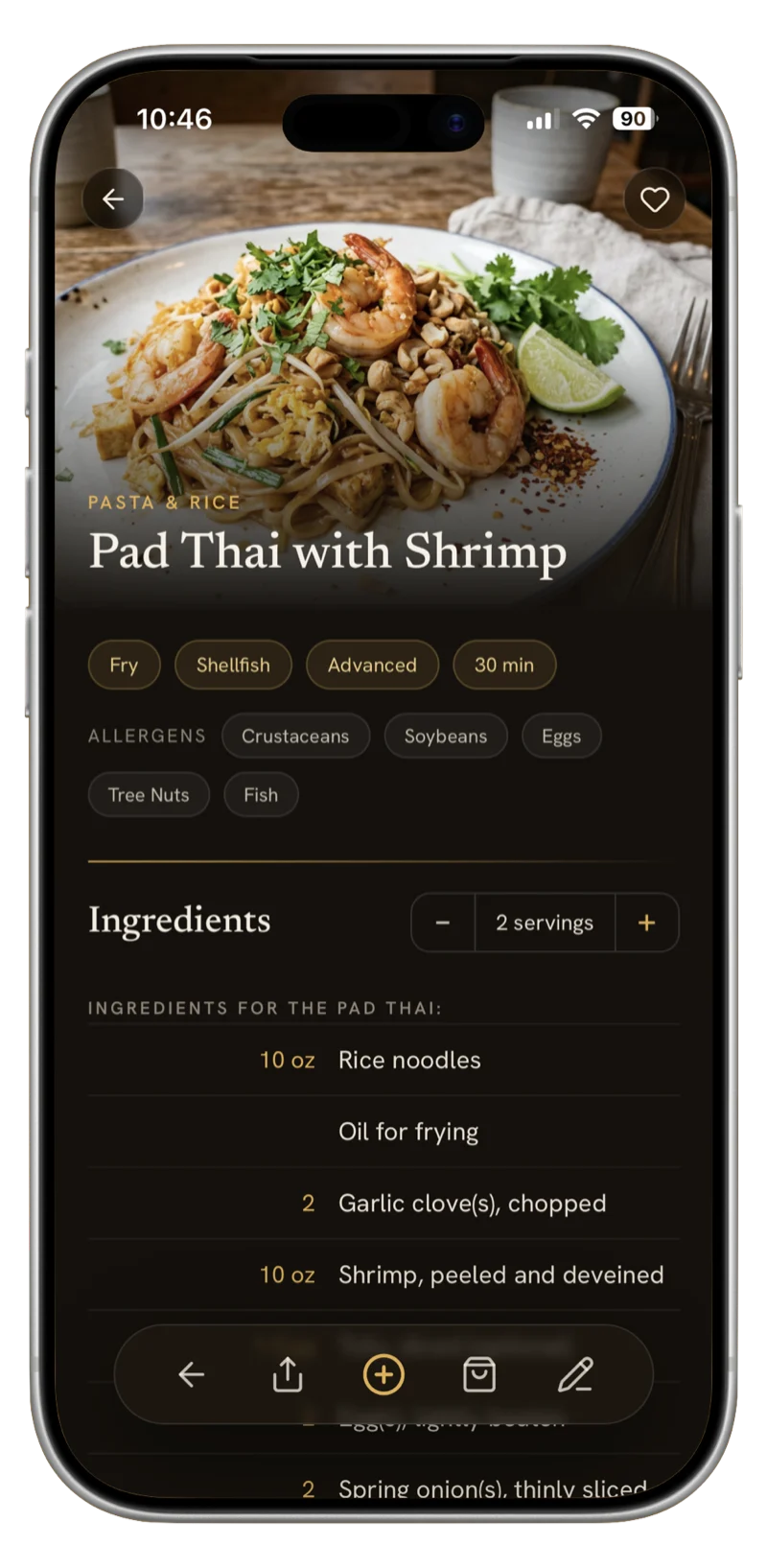
YummJar uses advanced AI to parse recipe websites and extract all the important information:
- Ingredients with precise measurements
- Step-by-step instructions
- Cooking and preparation times
- Serving sizes
- Recipe photos
- Nutritional information (when available)
Step-by-Step Import Guide
- Find Your Recipe: Browse your favorite recipe website (AllRecipes, Food Network, Bon Appétit, or any food blog).
- Copy the URL: Copy the recipe page URL from your browser.
- Open YummJar: Launch the YummJar app on your device.
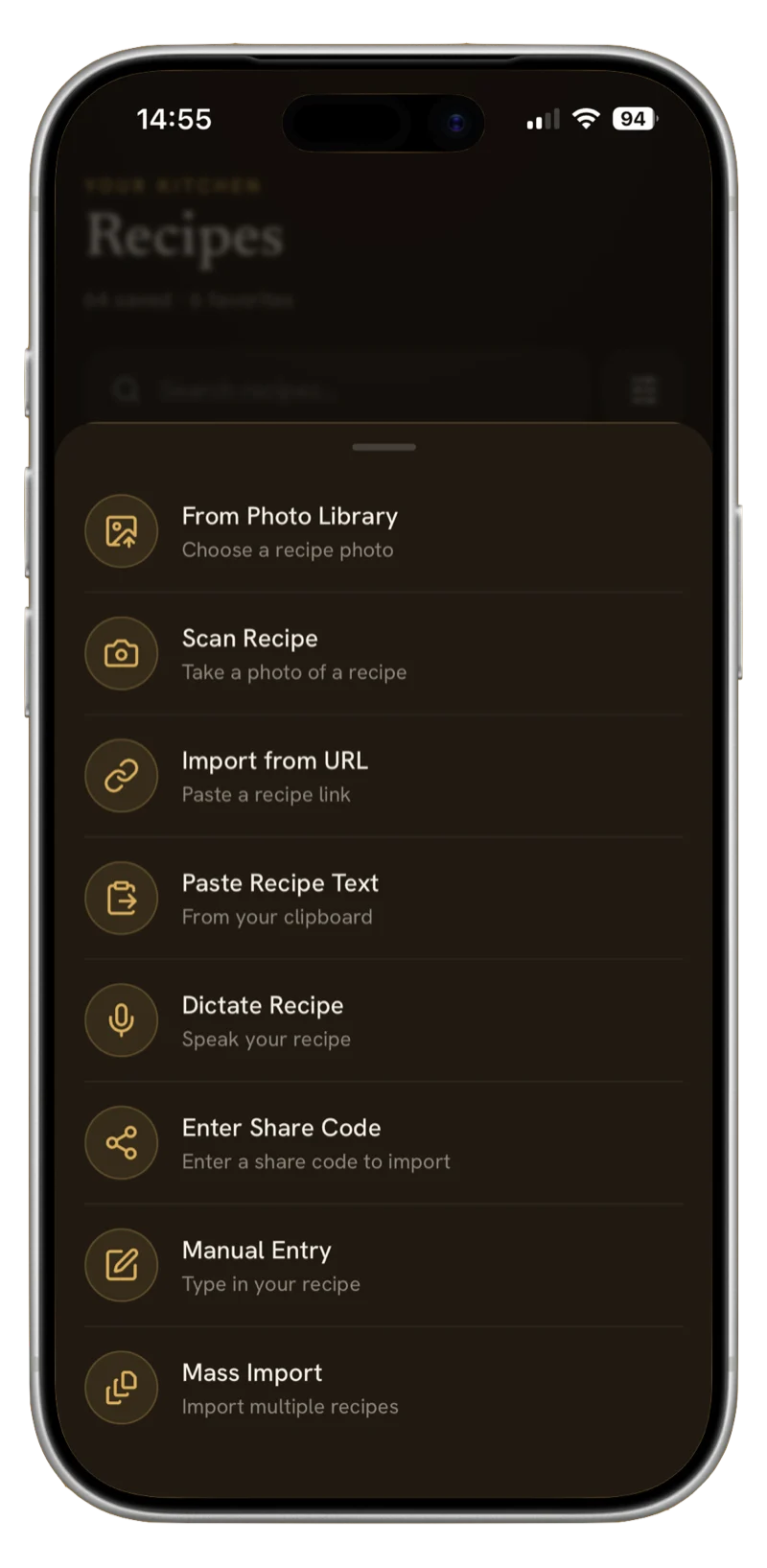
- Paste & Import: Tap the "+" button, select "Import from URL," and paste the link.
- Review & Save: YummJar will automatically extract all recipe data. Review it and tap "Save."
Works with Recipe Websites
YummJar's AI is trained to work with thousands of recipe websites, including popular sites and small food blogs. Even if a website has ads, pop-ups, or unusual formatting, YummJar can extract the recipe accurately.
AI Enhancement After Import
Once imported, YummJar automatically:
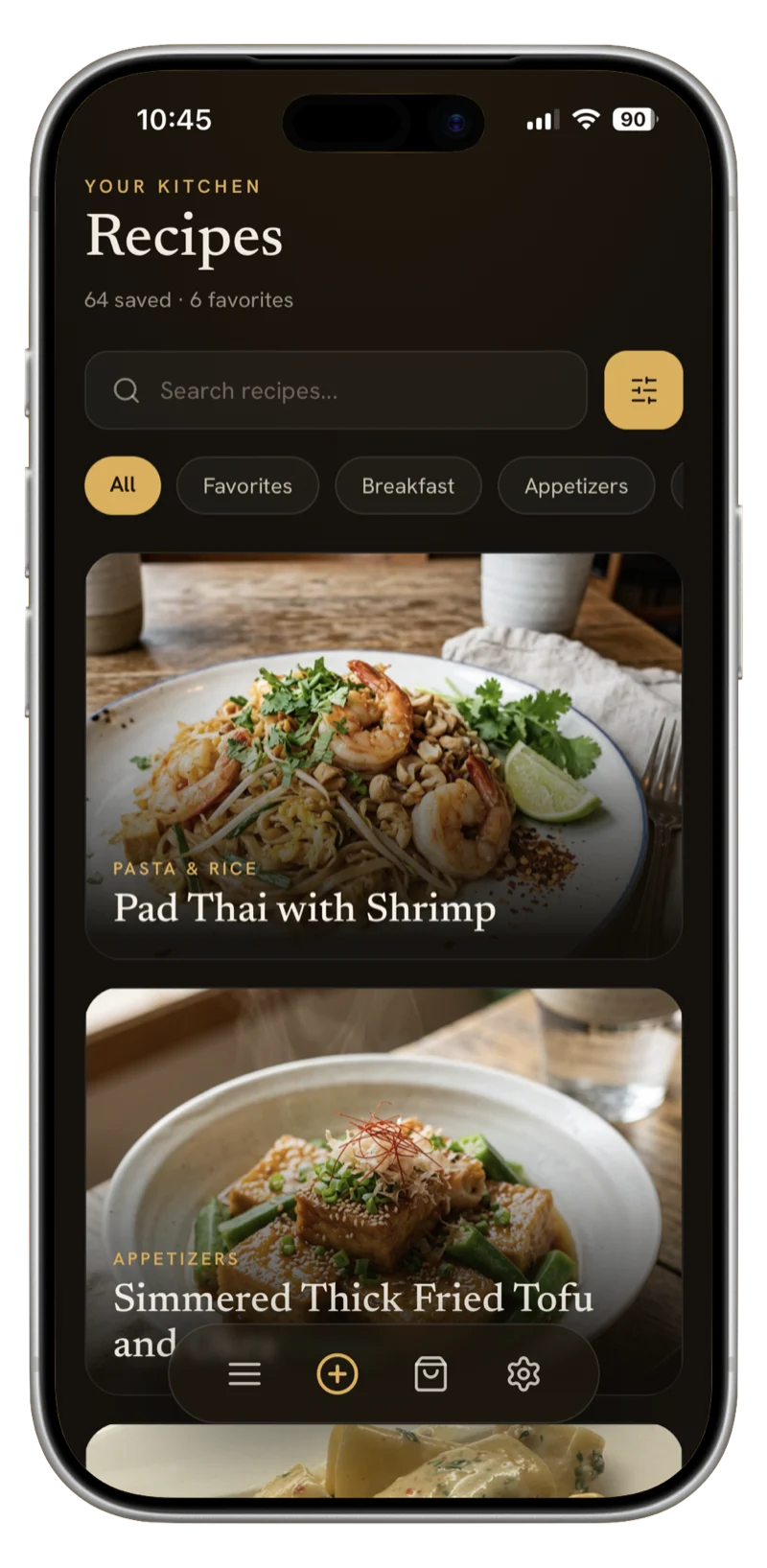
- Generates a beautiful food image for the recipe
- Detects and categorizes the recipe type
- Adds relevant tags
- Detects the recipe language
- Structures ingredients and instructions properly
Pro Tips
Batch Import: You can import multiple recipes at once by pasting several URLs. YummJar will queue them and process each one.
Edit After Import: All imported data is fully editable. Add personal notes, adjust ingredients, or modify instructions to suit your taste.
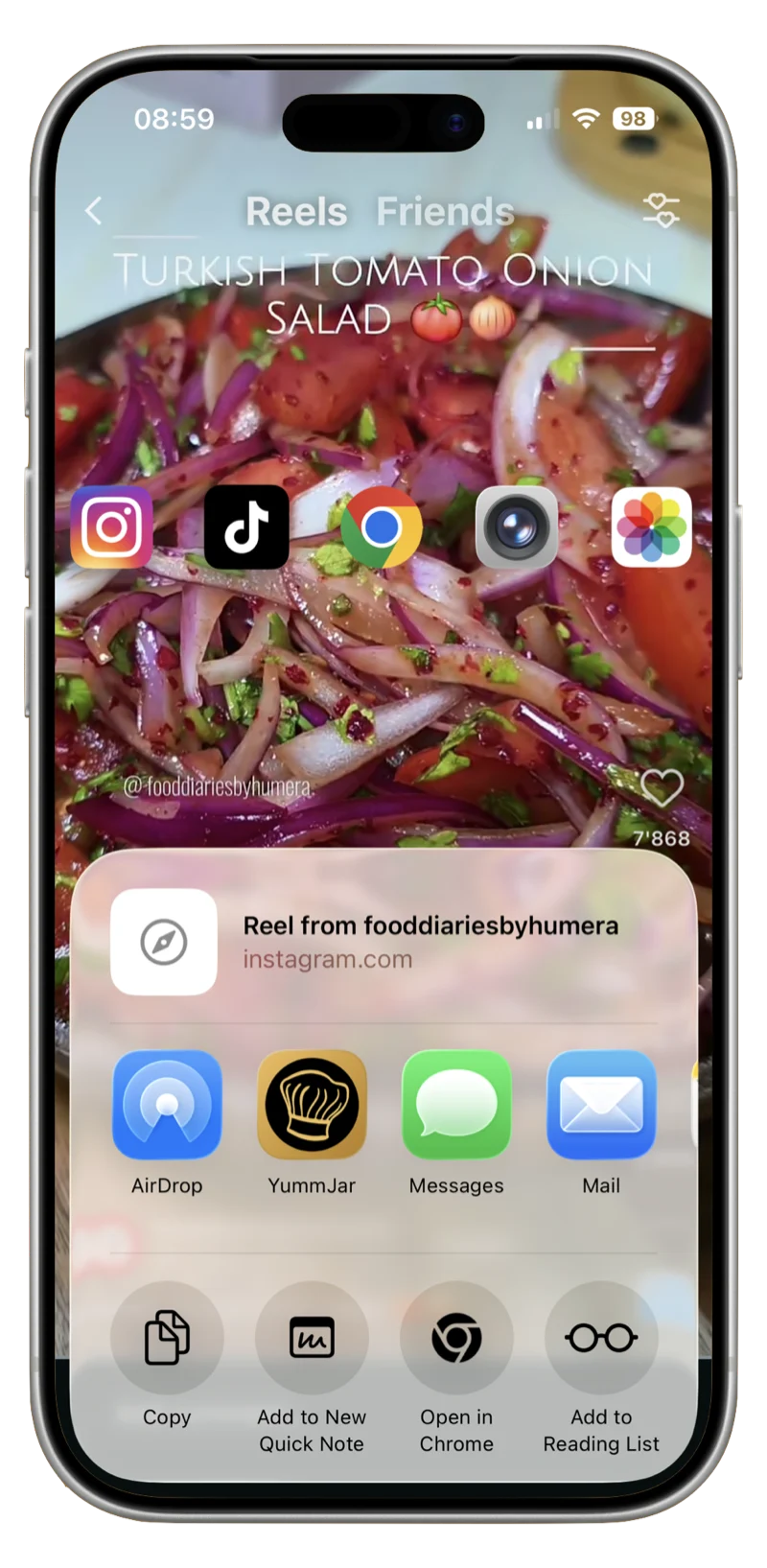
Save from Mobile: Use the share sheet on mobile browsers to send recipes directly to YummJar without copying URLs.