Learn how to set up YummJar and import your first recipe in minutes.
Welcome to YummJar!
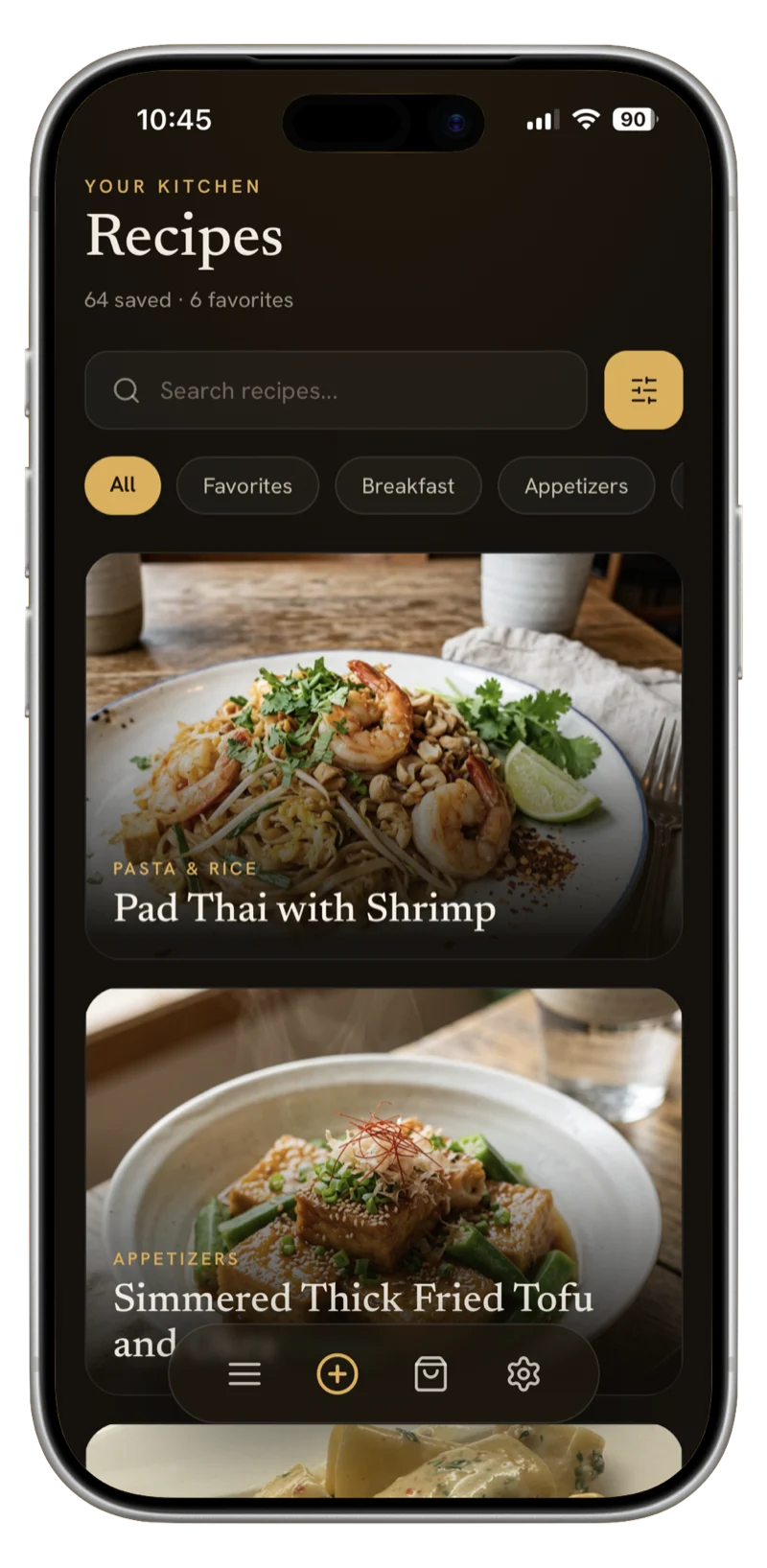
YummJar is your AI-powered recipe organizer that helps you collect, organize, and manage all your recipes in one place. Whether you're importing from websites, scanning cookbook photos, or typing in family recipes, YummJar makes it easy.
Download and Installation
First, download YummJar from the App Store on your iPhone or iPad. The app requires iOS 15.0 or later and works seamlessly across all your Apple devices with iCloud sync.
Your First Recipe Import
Once you've installed YummJar, importing your first recipe is simple:
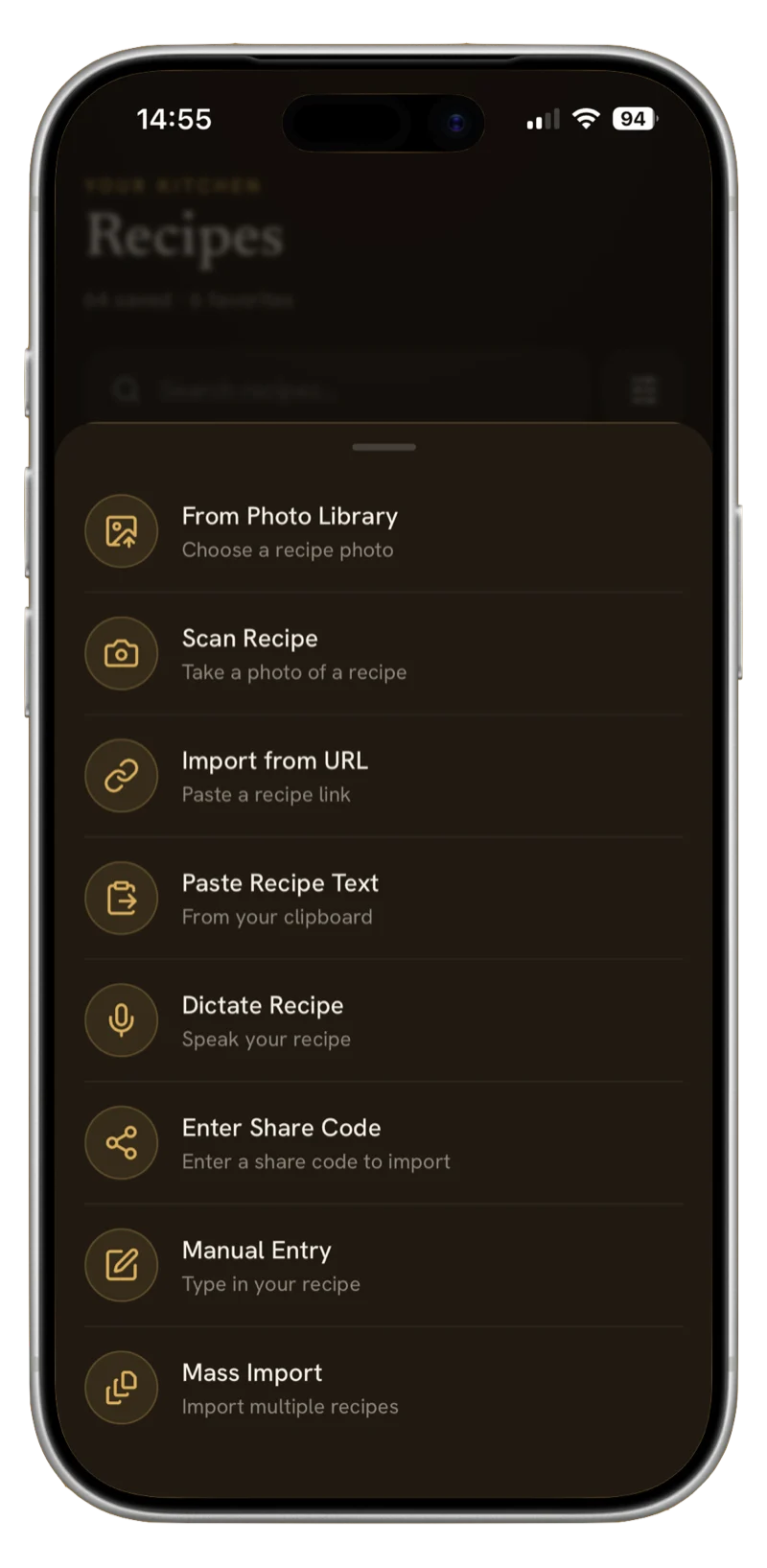
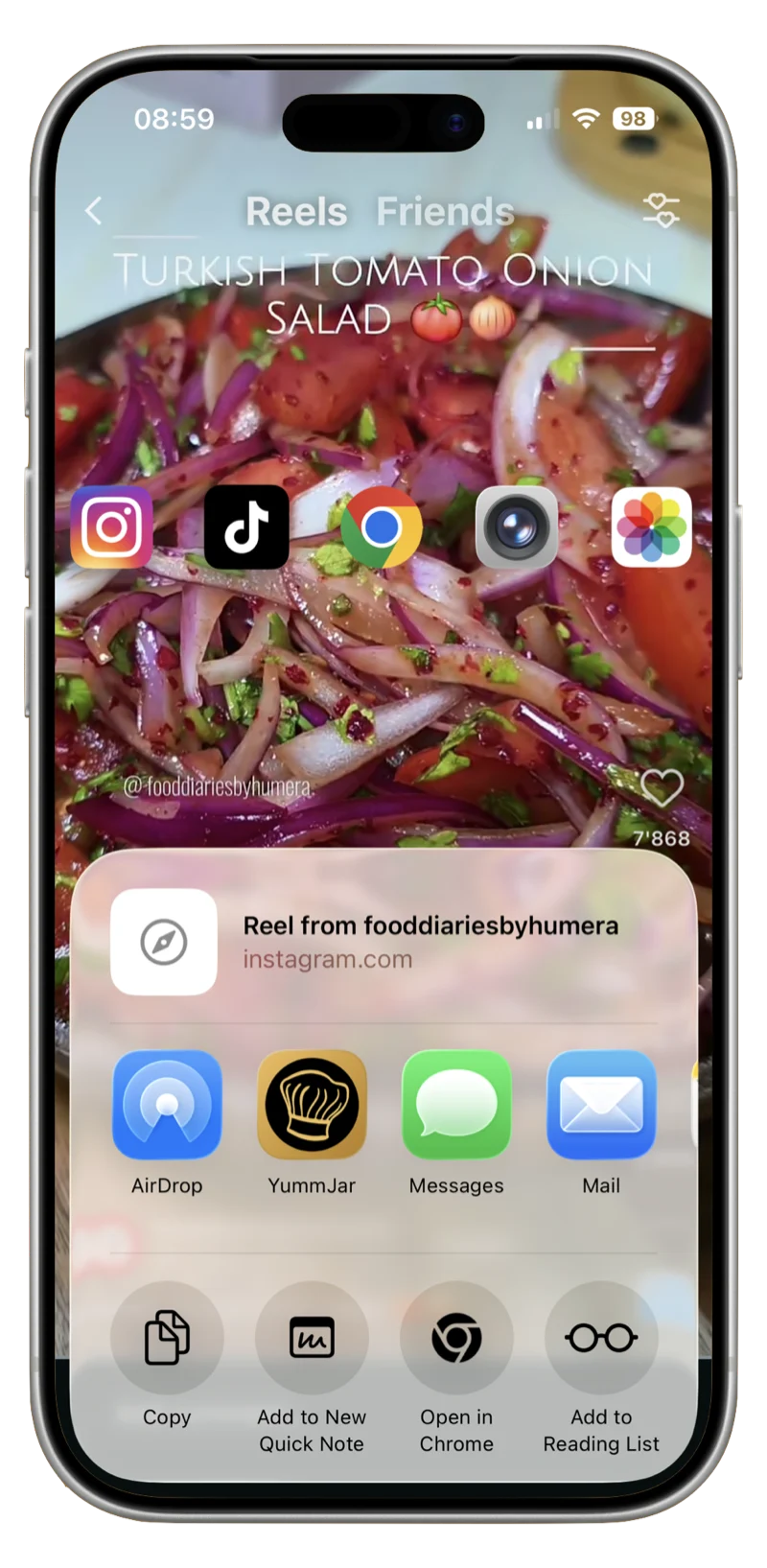
- From a Website: Copy any recipe URL and paste it into YummJar. The AI will automatically extract ingredients, instructions, and cooking times.
- From a Photo: Take a picture of a cookbook page or recipe card. YummJar's AI scanner will digitize it accurately.
- Manual Entry: Type or dictate your recipe using voice input. YummJar will structure it properly.
Organize Your Collection
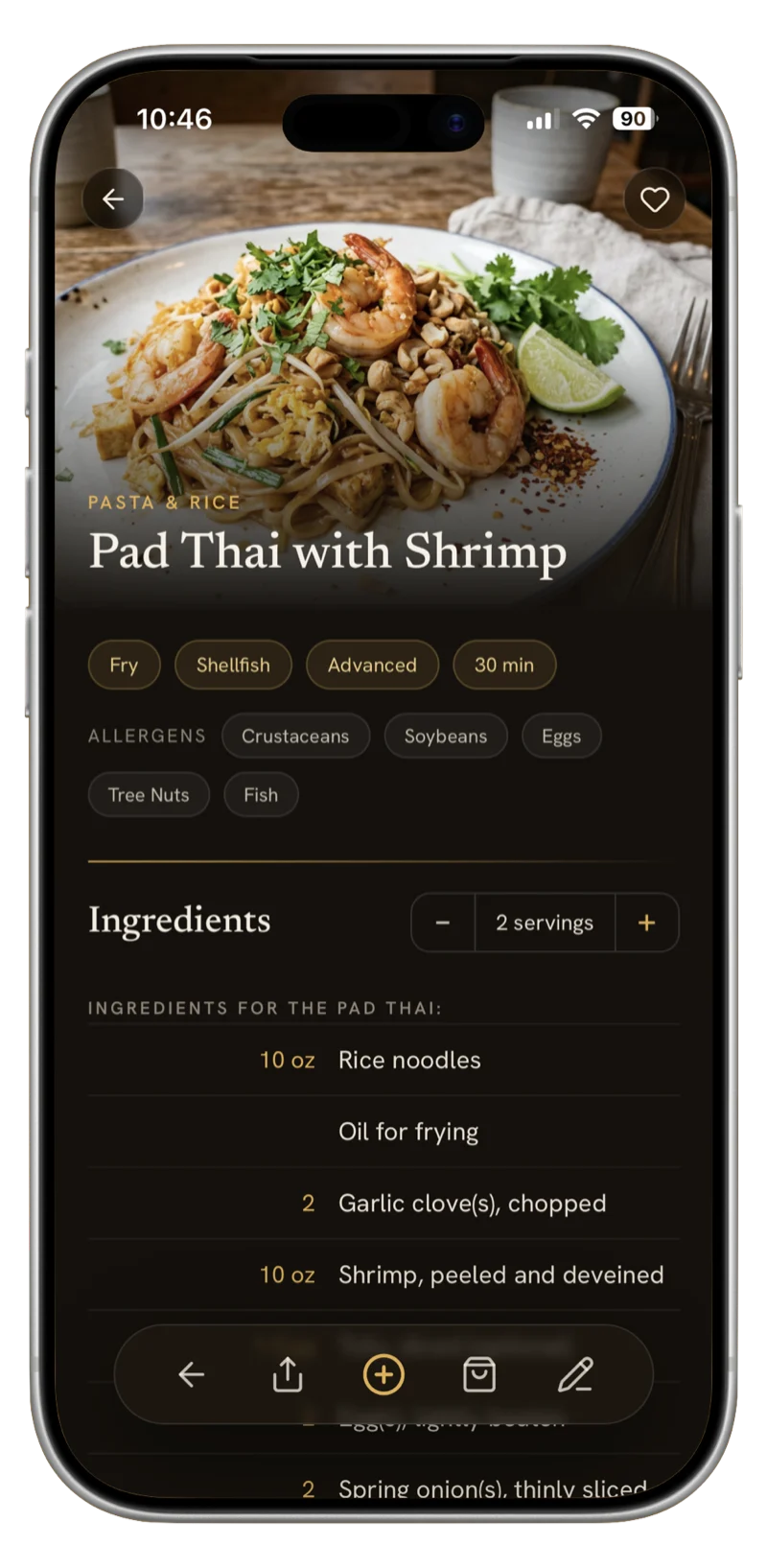
YummJar automatically categorizes your recipes and adds relevant tags. You can customize categories, create your own tags, and add up to six photos per recipe. Every imported recipe gets a beautiful AI-generated image.
Next Steps
Now that you've imported your first recipe, explore features like recipe scaling, shopping list creation, and sharing with friends and family. YummJar's AI will help keep everything organized as your collection grows.