Found a recipe in an Instagram Reel or TikTok? Here's how to save it to YummJar in seconds — with the ingredients, steps, and a photo, in your language.
Save any Instagram or TikTok recipe to your collection
Some of the best recipes today live in Instagram Reels and TikTok videos — and they're the easiest to lose. You save the post, forget which account it was, and never cook it. With YummJar you can turn a social-media recipe into a clean, organized recipe in seconds, complete with ingredients, steps, and a photo.
The quick way: share to YummJar (iPhone)
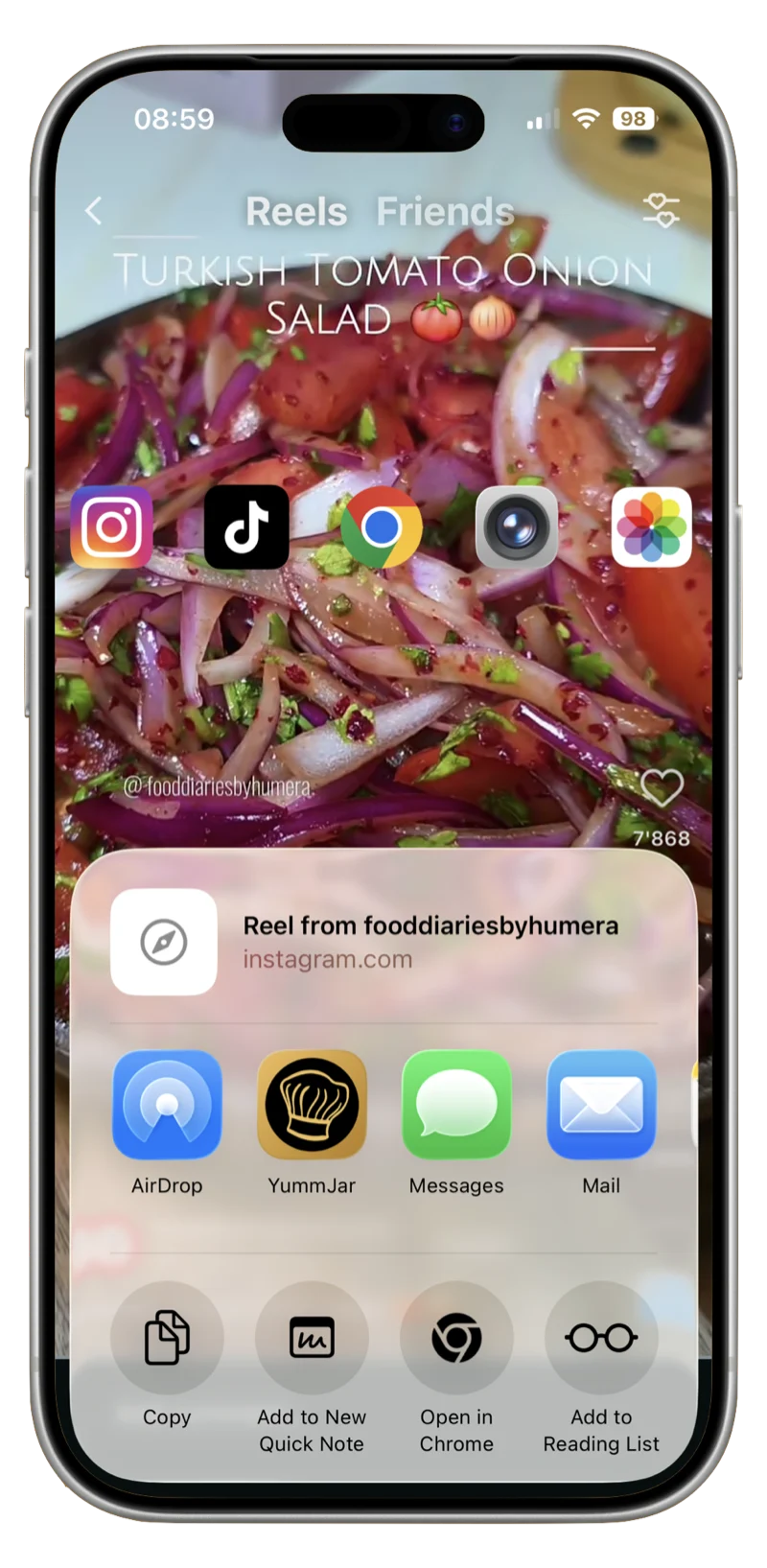
- In Instagram or TikTok, open the post and tap the Share icon.
- Choose YummJar from the share sheet.
- YummJar's AI reads the post and builds a structured recipe — review it and tap save.
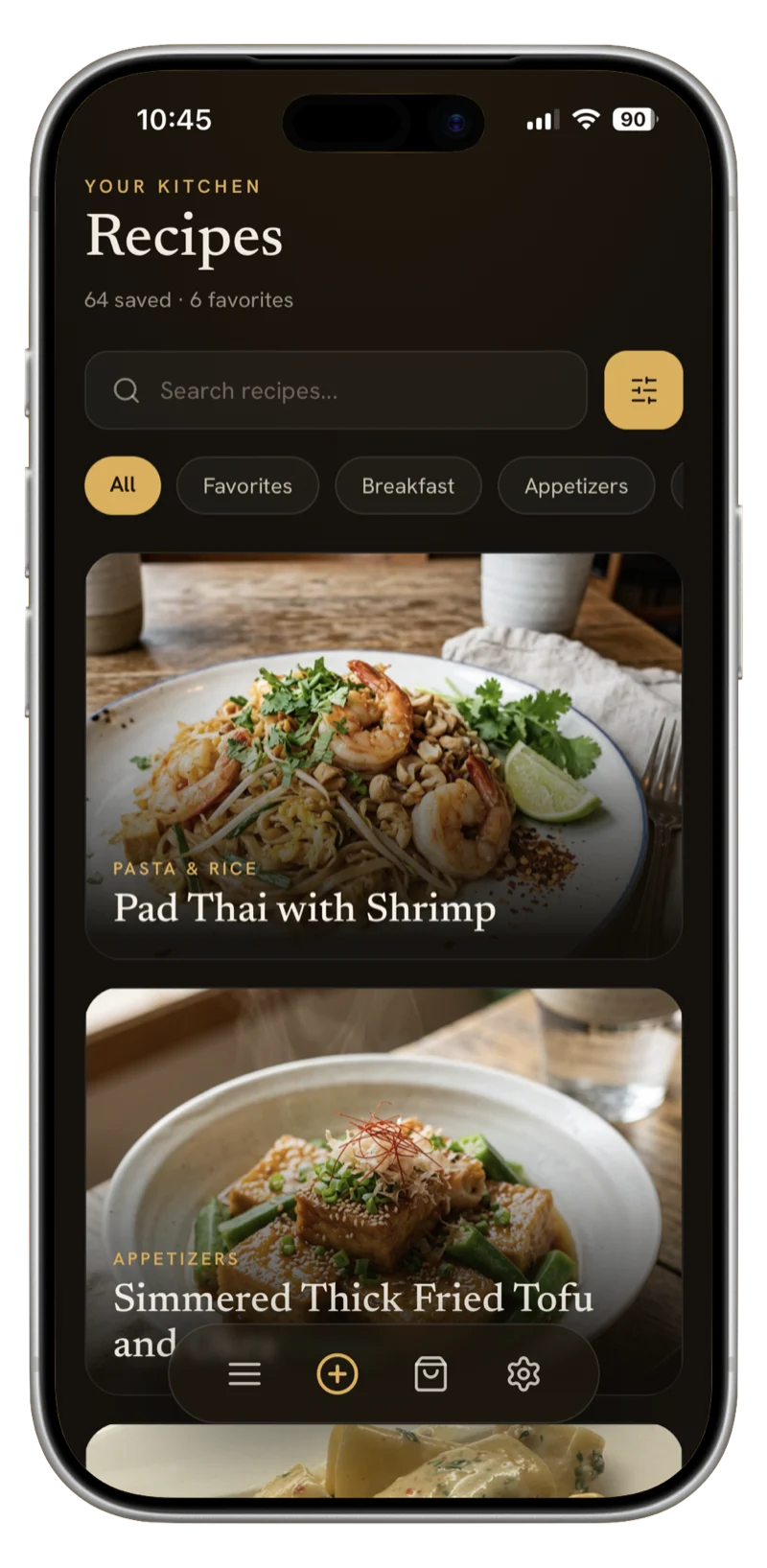
That's it. The recipe lands in your collection, categorized and tagged automatically.
The universal way: paste the link
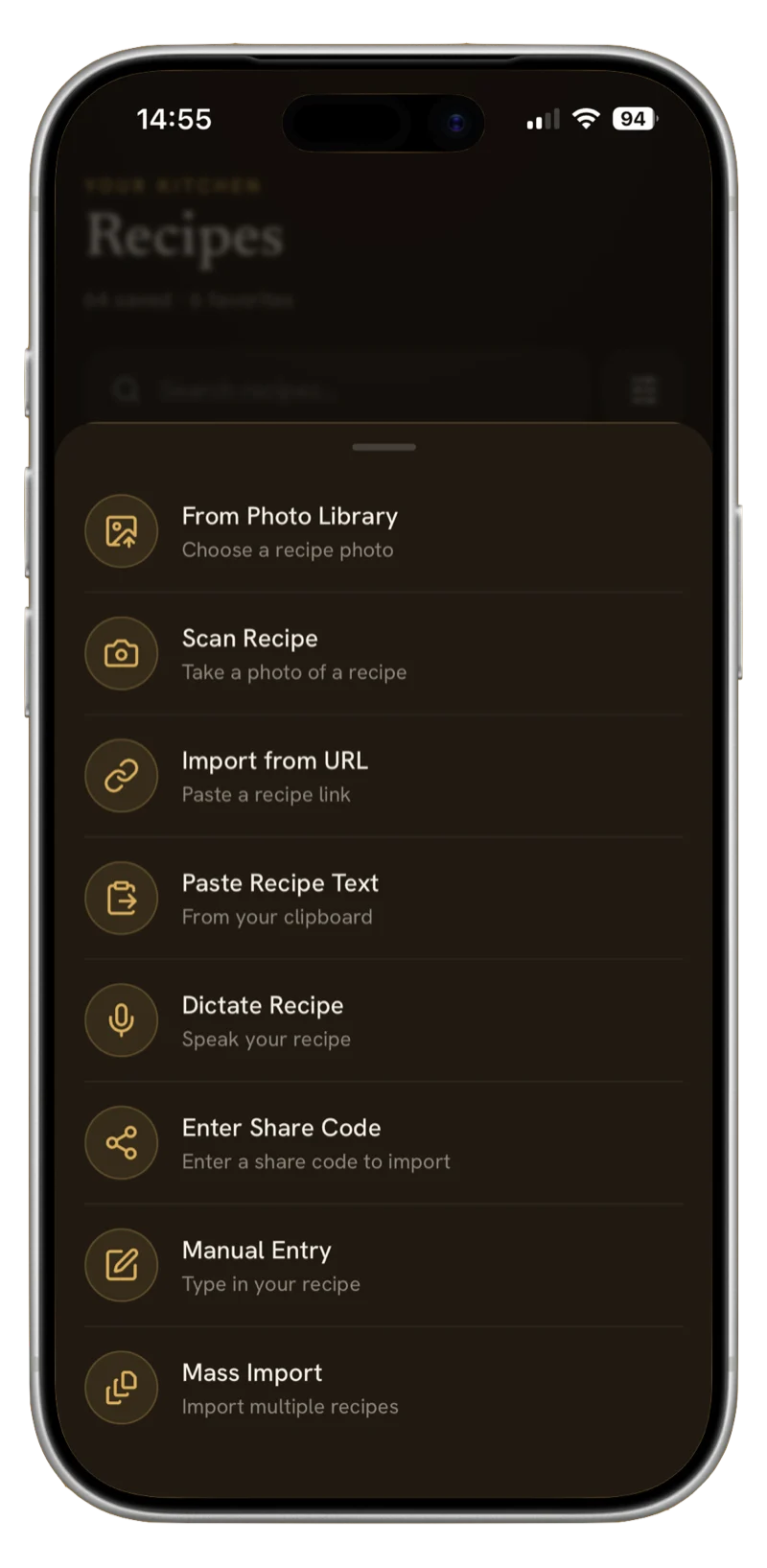
You can also copy the post's link and paste it into Import from URL inside YummJar. This works from any device and is the go-to method when the share sheet isn't handy — just copy the Reel or TikTok link, open YummJar, and paste.
What YummJar does with it
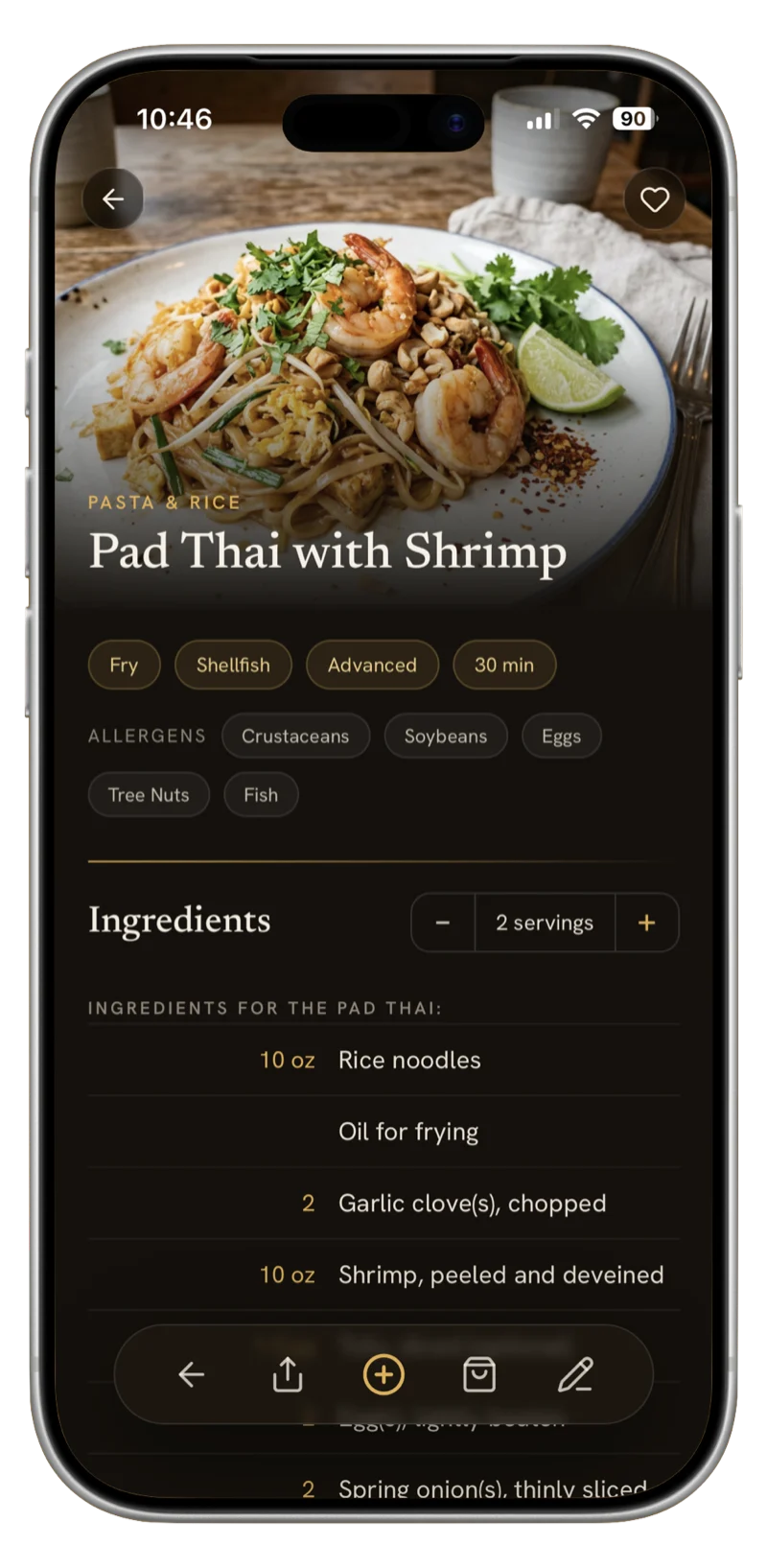
- Extracts the recipe from the caption and on-screen text — ingredients, quantities, and steps.
- Adds a photo — if there's no usable image, YummJar generates a beautiful one so your collection stays consistent.
- Organizes it — automatic category and tags, ready to scale or add to a shopping list.
- Keeps the original — import a recipe in any language and translate it into yours without losing the original.
Tips for the best results
Social recipes vary a lot. You'll get the cleanest import when the recipe is written in the caption or shown as on-screen text. If the steps are only spoken in the video, add any missing details yourself — YummJar makes every recipe fully editable, so you can fine-tune ingredients, servings, and notes before you cook.
From saved to cooking
Once it's in YummJar, scale the recipe to the number of servings you need, and merge its ingredients into a smart shopping list with your other recipes. The Reel you would have forgotten is now something you'll actually cook.
Happy cooking — and no more lost recipes.